
Budgeting that never asks for your bank login.
Every transaction stays on your iPhone. No account, no cloud — and still budgets that start on payday and insights that tell you what changed.
Free forever · No ads · 14 days of Pro, no card
There’s nothing to breach, because nothing is sent.
Most budgeting apps start by asking for your bank login, then keep your financial life on their servers. Enso has no servers to keep it on.
No account, no server
No sign-up, no login. Your ledger lives on your device and nowhere else.
Locked when you want it
Lock Enso with a PIN, Face ID or Touch ID. With the lock on, the Safe to Spend widget hides every amount.
Yours to take
Export to CSV any time. Your data is never held hostage.
The trade-off, plainly: with no bank linking, you enter transactions yourself — about thirty seconds a day. It’s also why Enso sees your cash, which bank-linked apps can’t, and why it works the same in every country.
Know where you stand. Know what’s left.
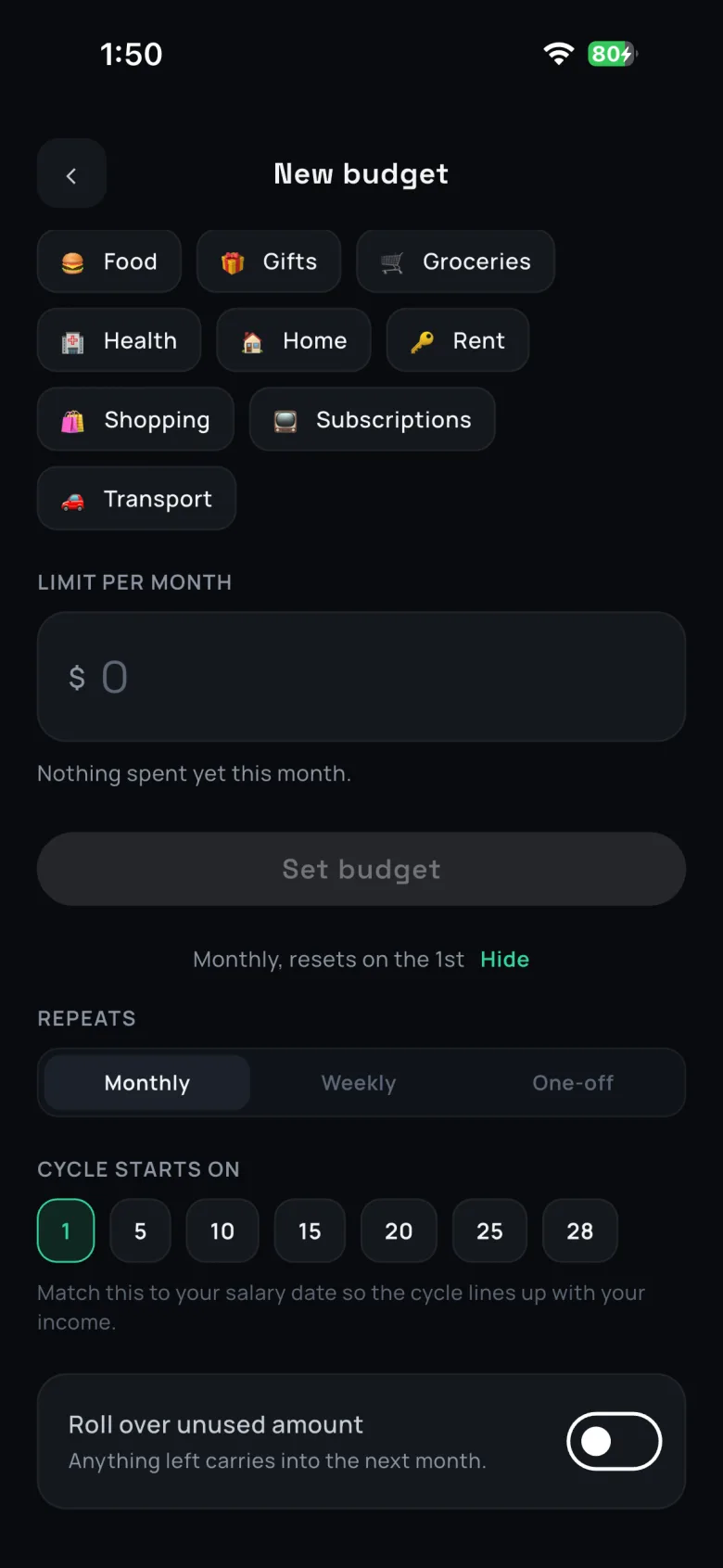
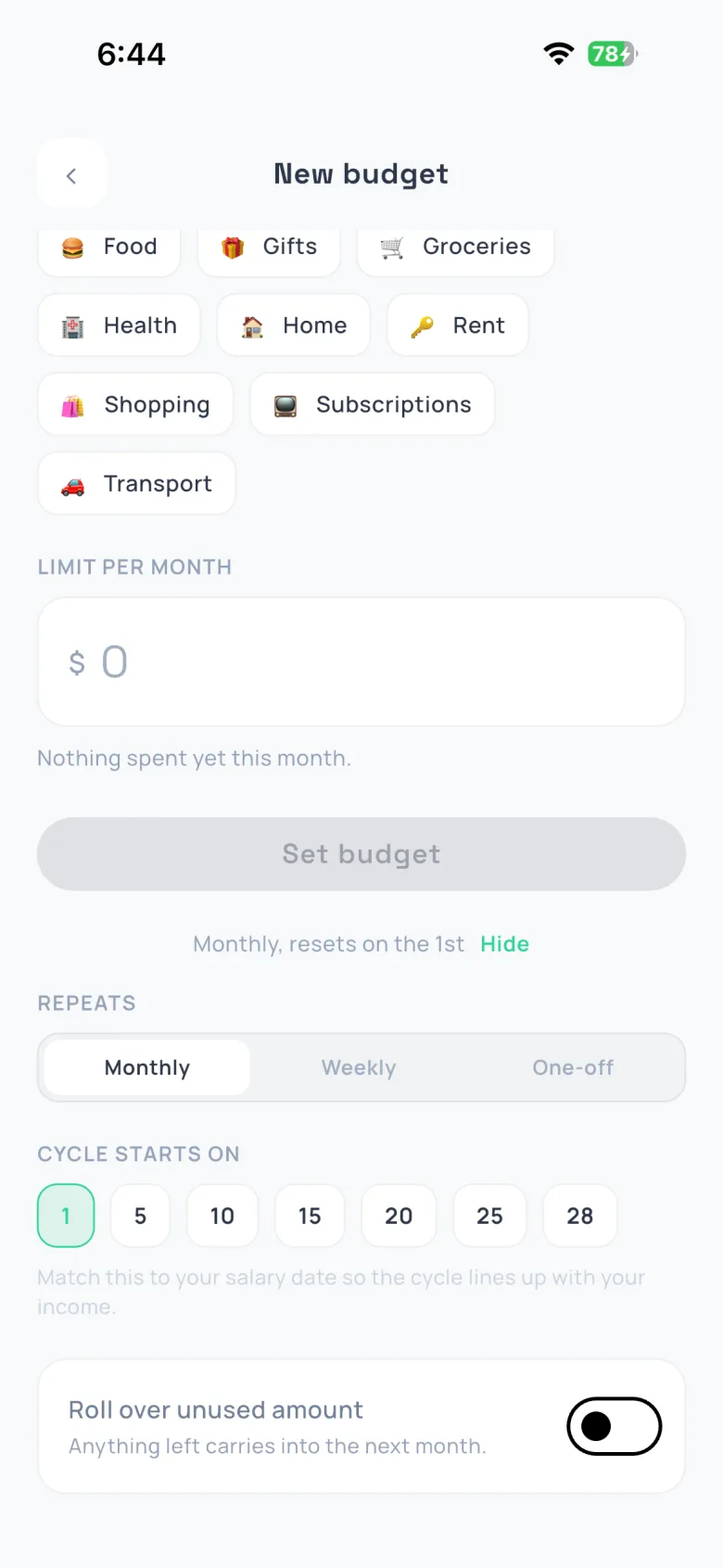
Your month starts on payday.
Reset your budget on any day from the 1st to the 28th. Unspent money rolls into the next cycle — your budget follows how you’re actually paid.
Payday reset and rollover are in Pro.
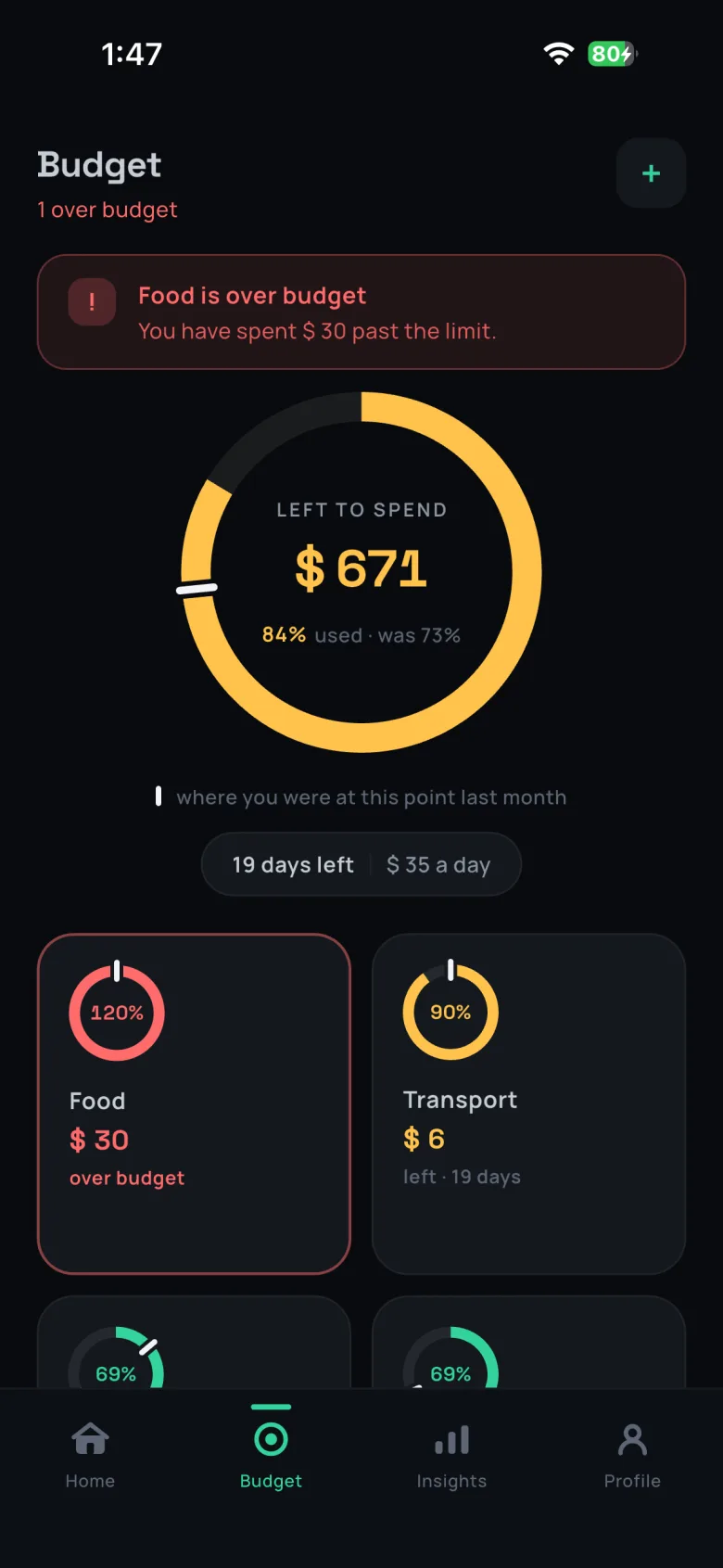
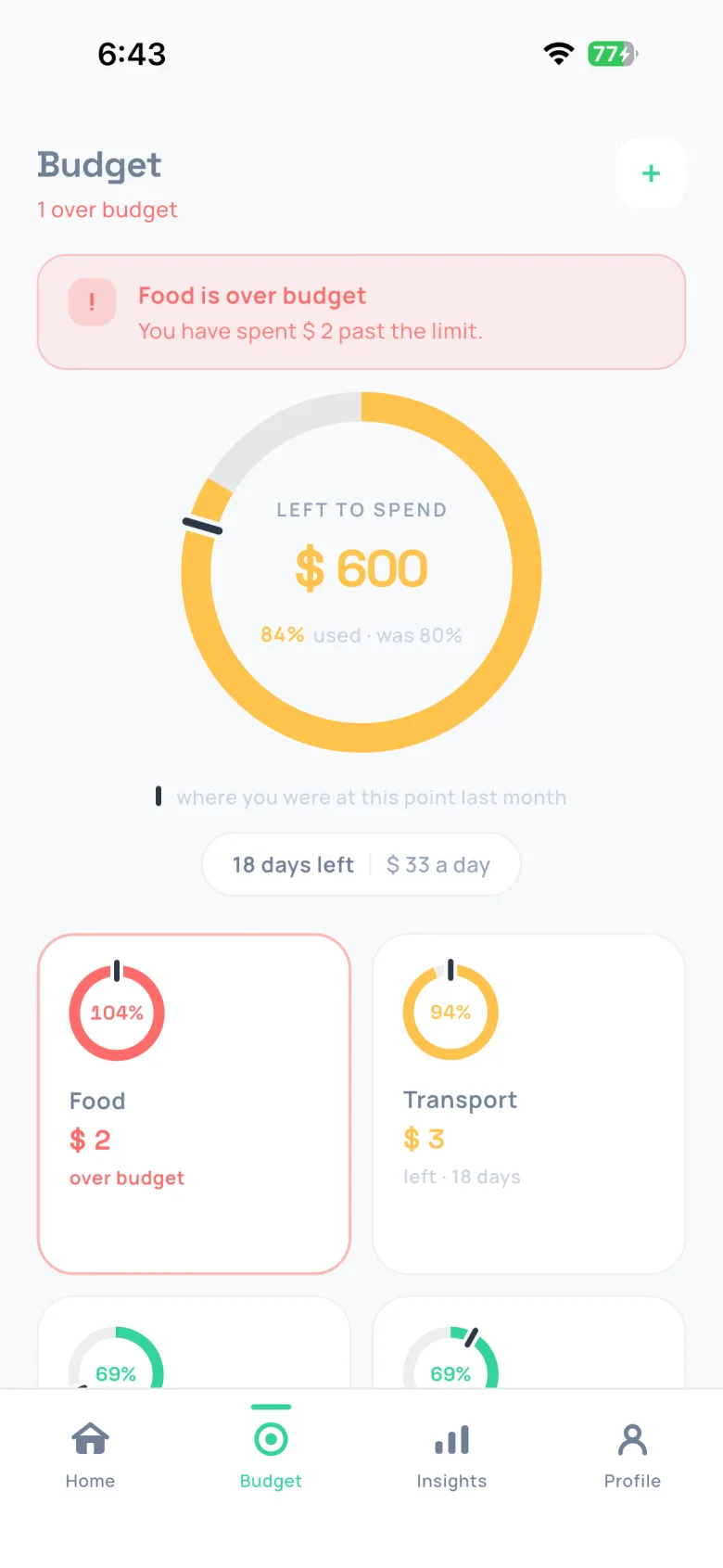
Know what’s left, not just what’s gone.
One screen answers three questions: what can I still spend, am I ahead of last cycle, and what is safe today.
Hover or tap a point to see it on the screen
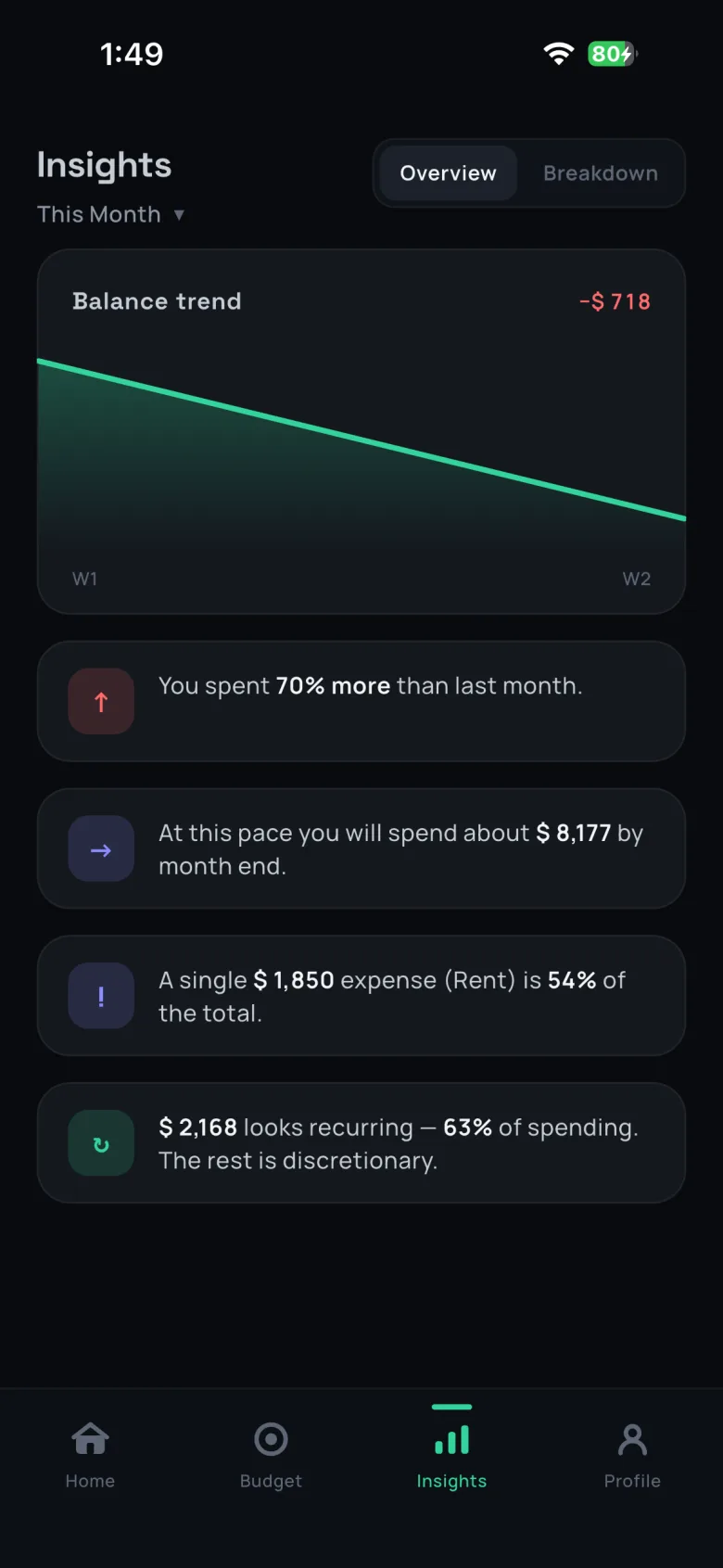
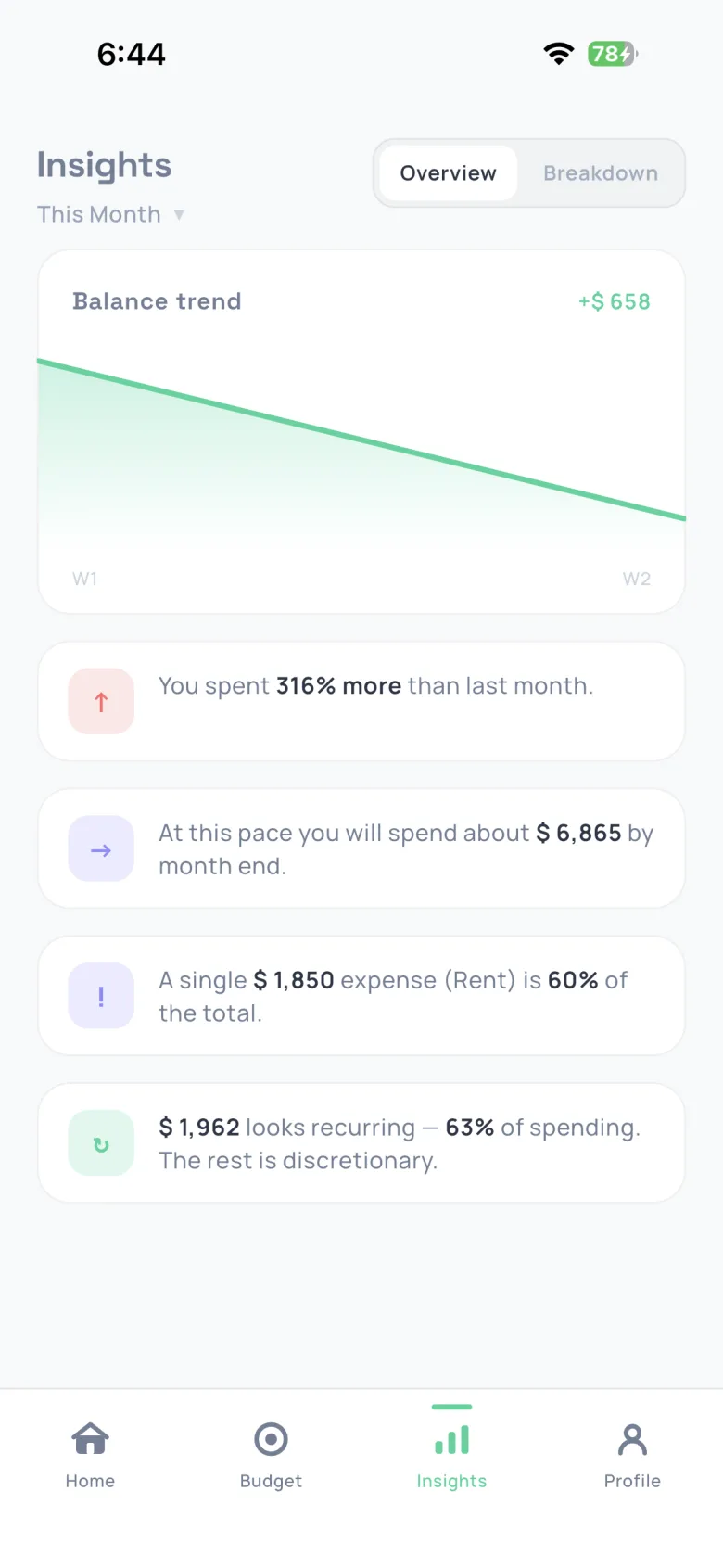
It tells you what changed.
Plain sentences, not just charts. The app talks, so you don’t need to read a pie chart.
- Where you’ll finish the month at your current pace
- How this month compares with last
- Your biggest single expense, and its share of the total
- What’s recurring, and what’s discretionary
Your month, in one card.
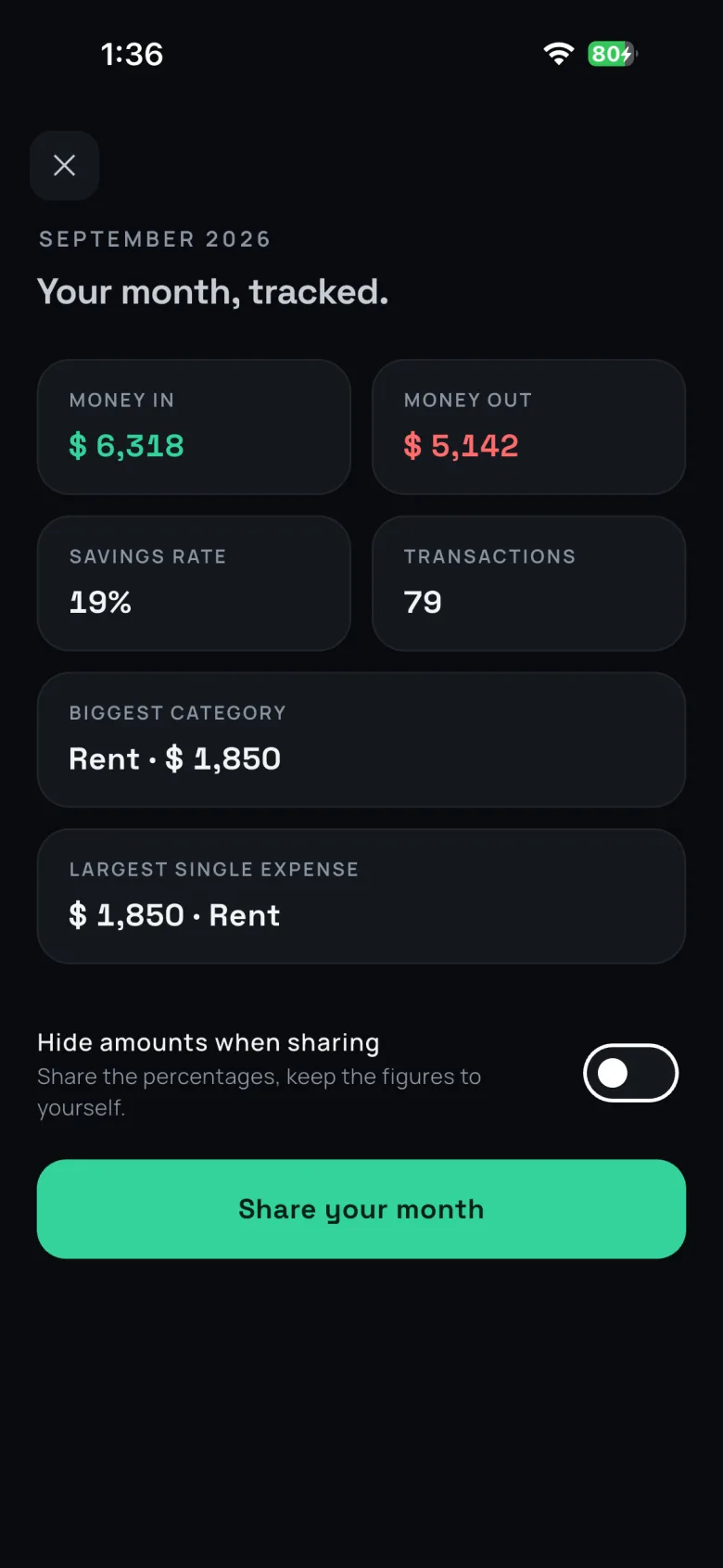
When the month closes, Enso sums it up: money in, money out, your savings rate and your biggest category. Share it as a card — and hide the amounts, so only the percentages show.
Locked to you, and nobody else.
Lock Enso with a PIN, Face ID or Touch ID. Your ledger lives only on your iPhone, under iOS Data Protection — encrypted on disk with a key tied to your passcode. With the lock on, the Safe to Spend widget hides every amount.
- PIN
- Face ID
- Touch ID
Your budget, one glance away.
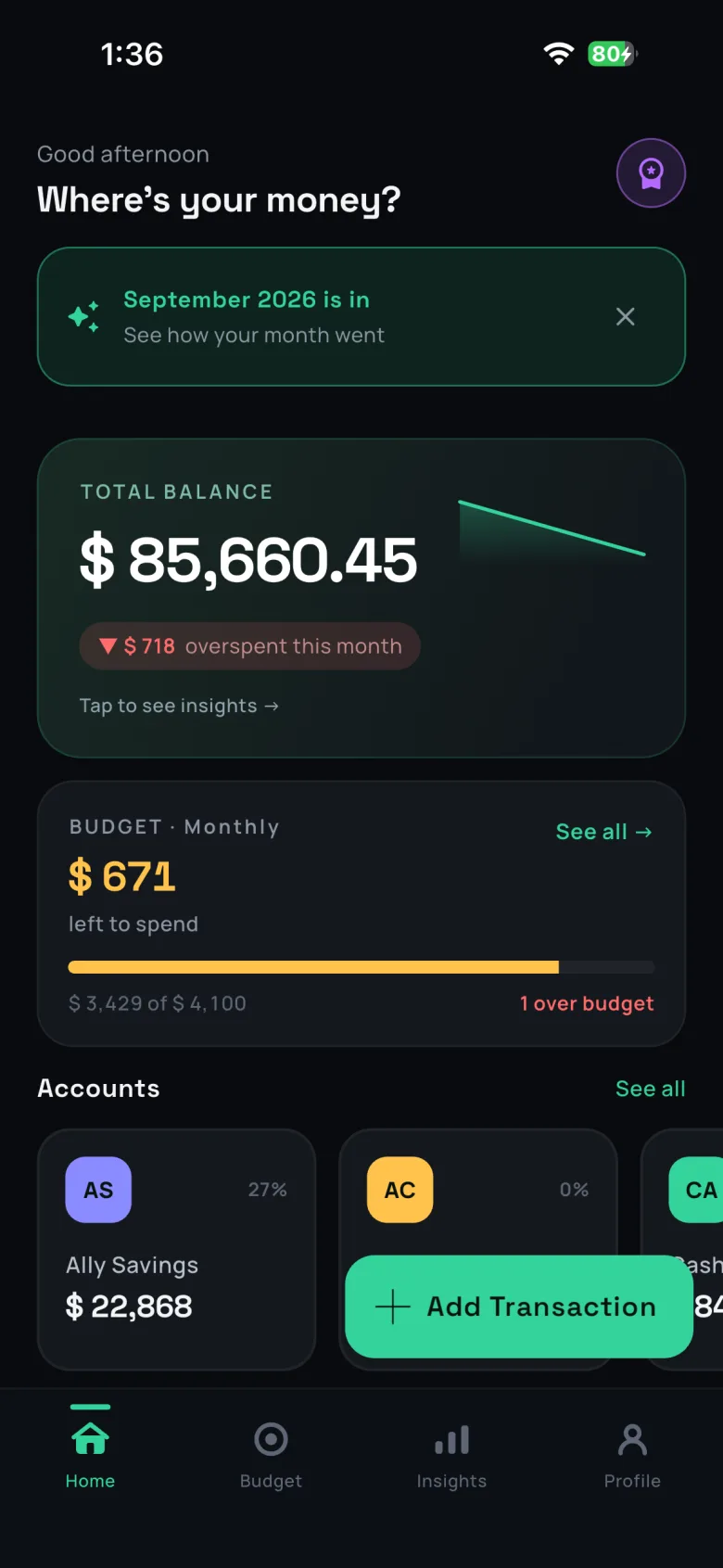
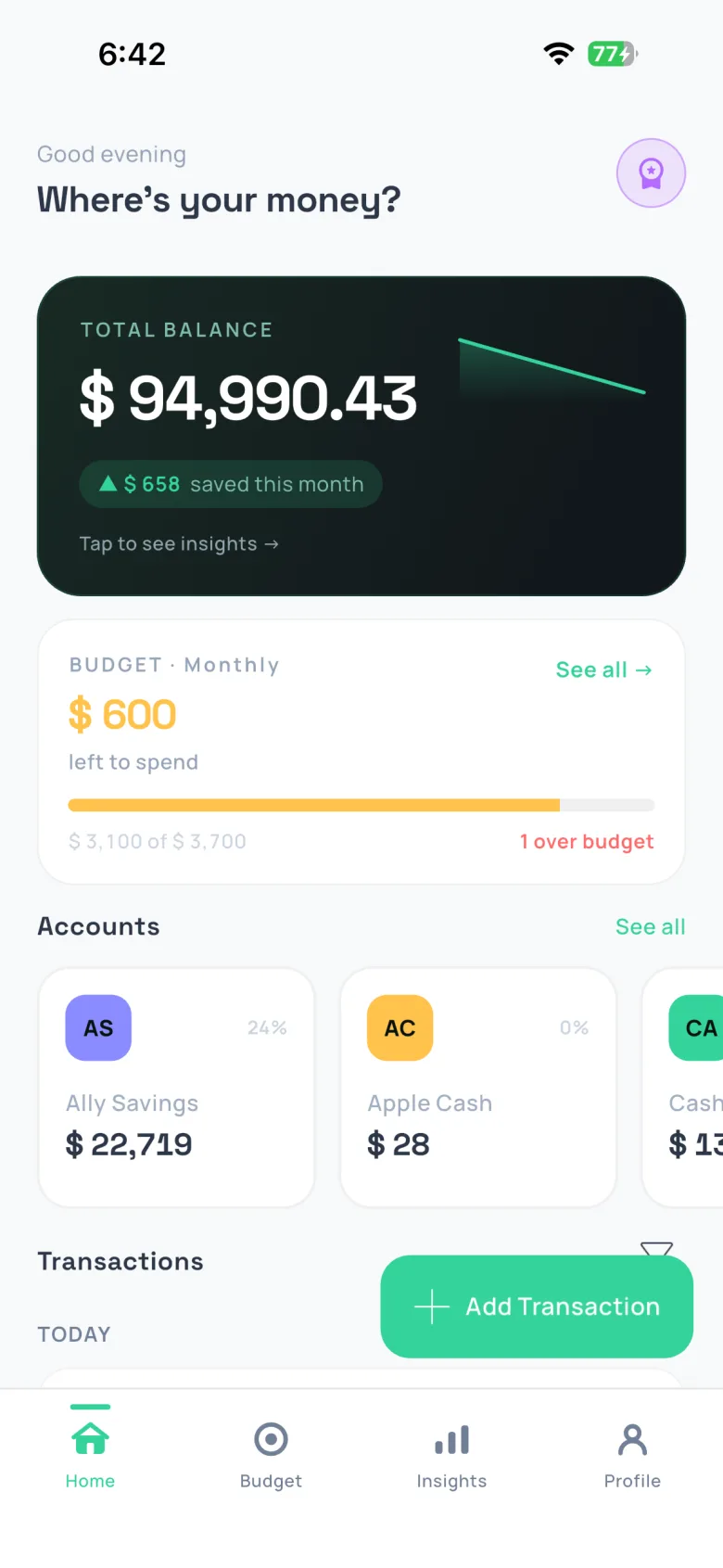
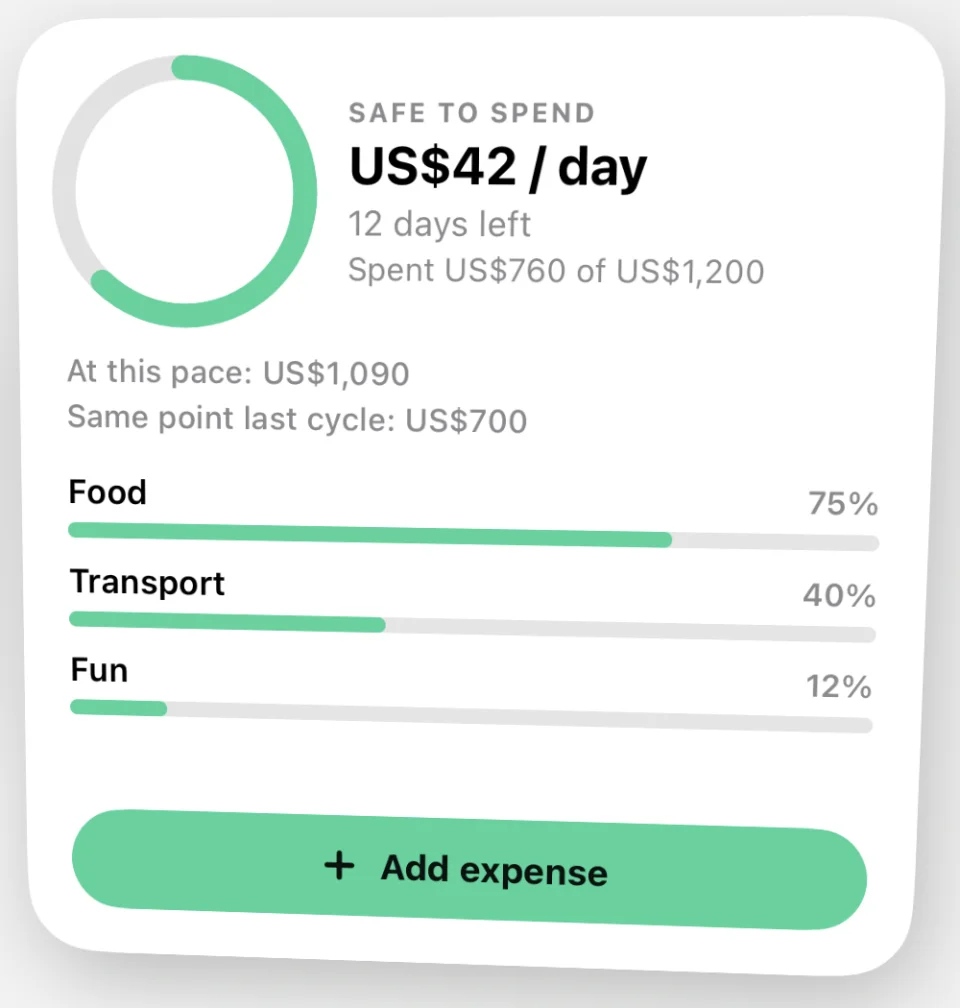
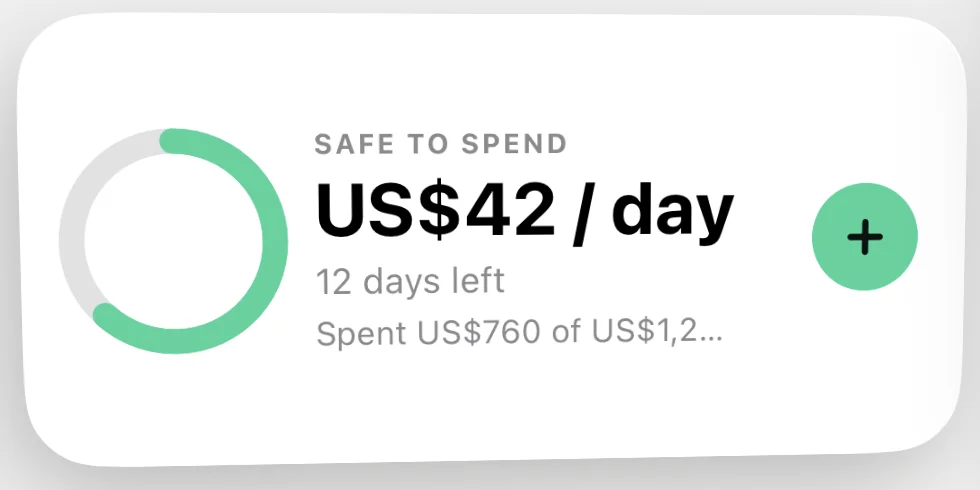
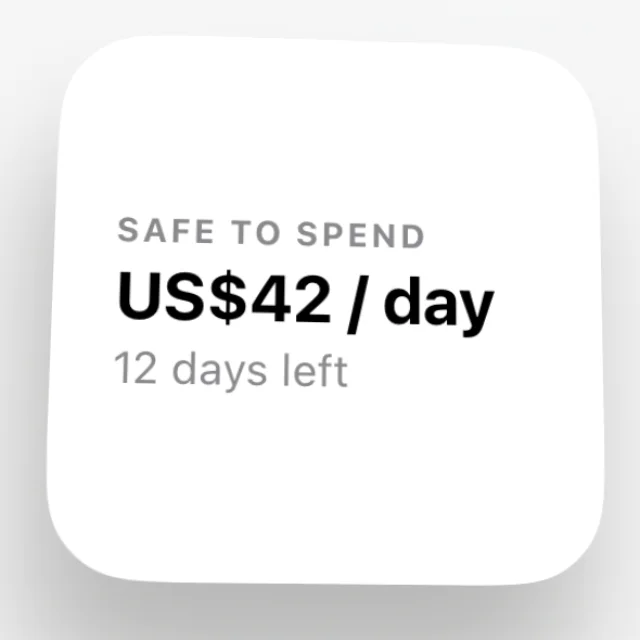
Quick Add opens the keypad in one tap, on the account you used last. Safe to Spend shows what you can spend today without opening the app — in three sizes.
Logged in ten seconds.
A keypad built for amounts — no system keyboard, no forms to fight.
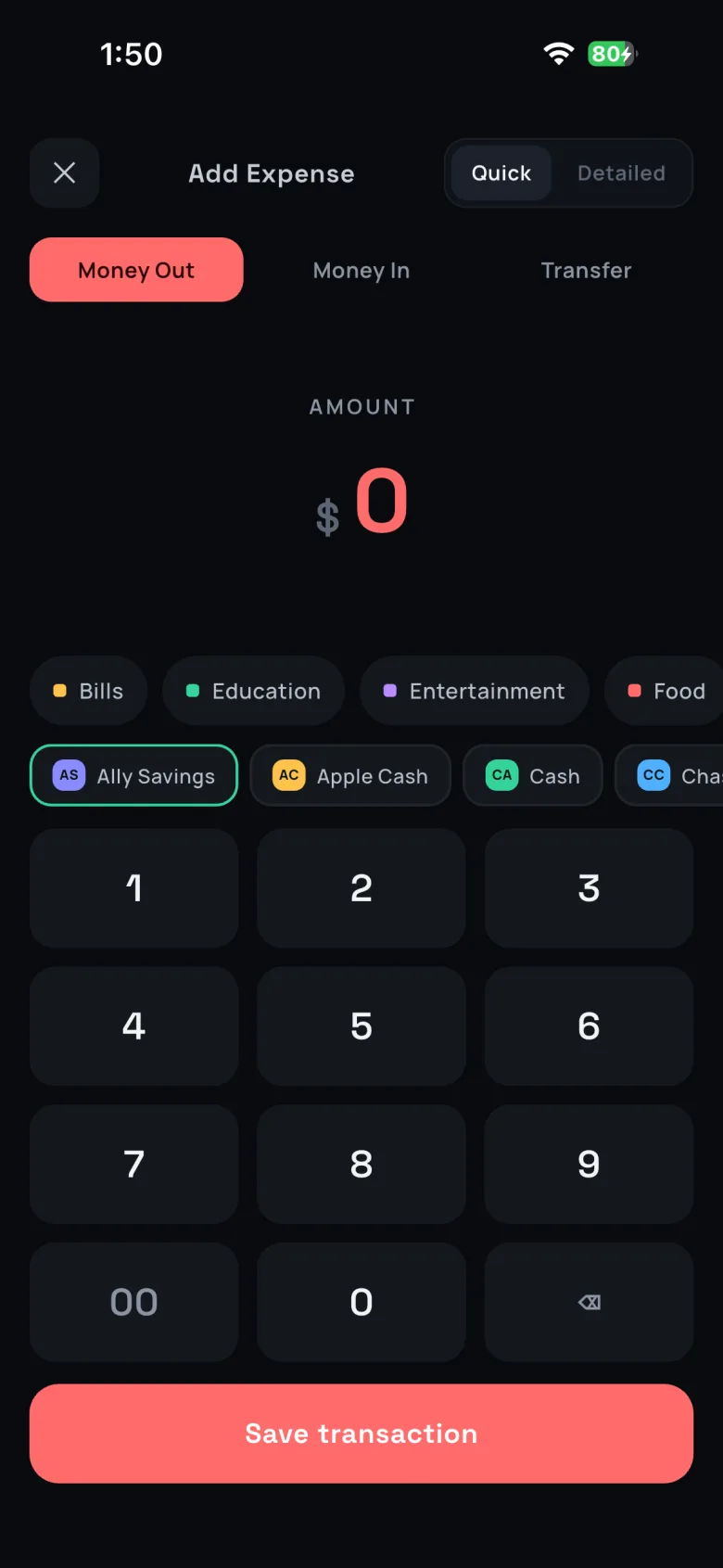
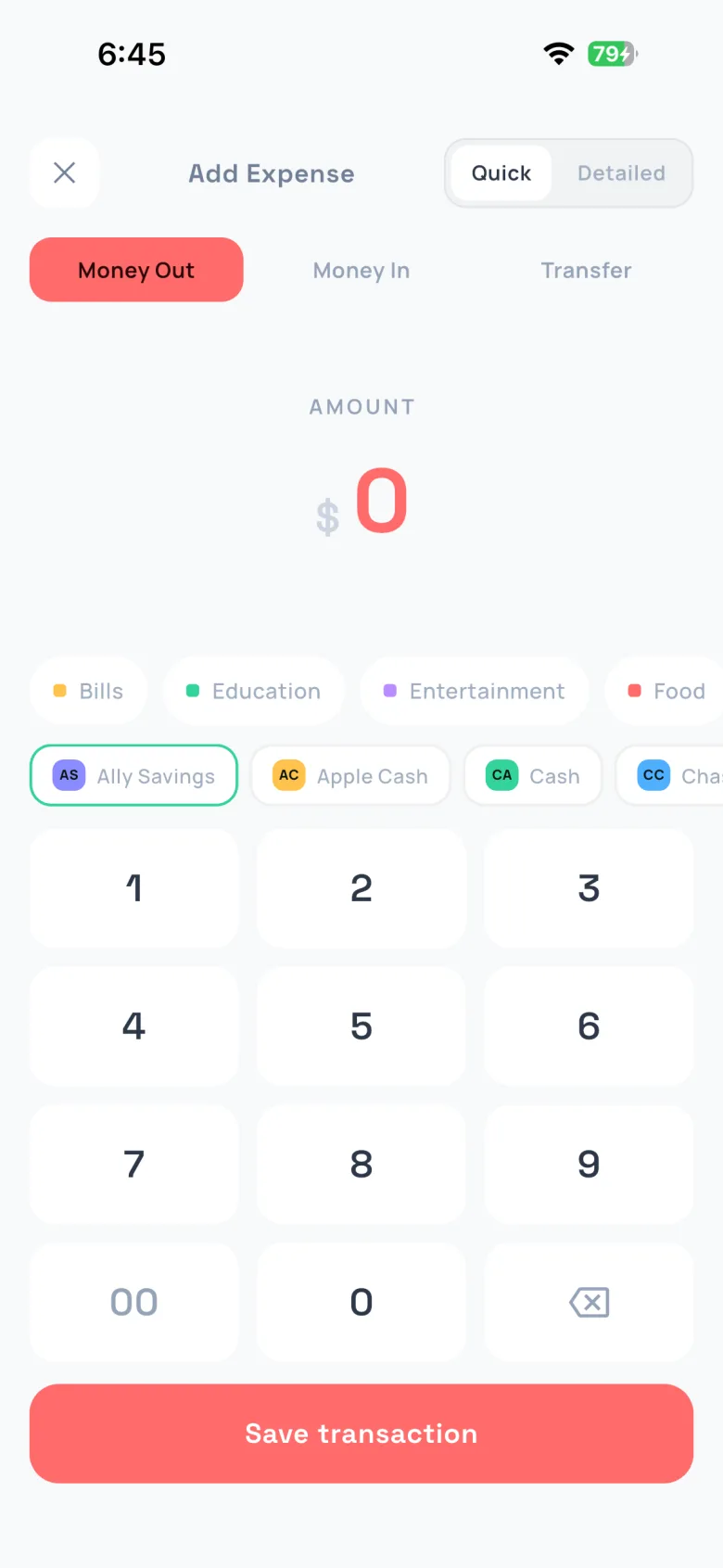
Log it fast
Income, expenses and transfers between your own accounts. Quick mode for speed, Detailed mode when it matters.
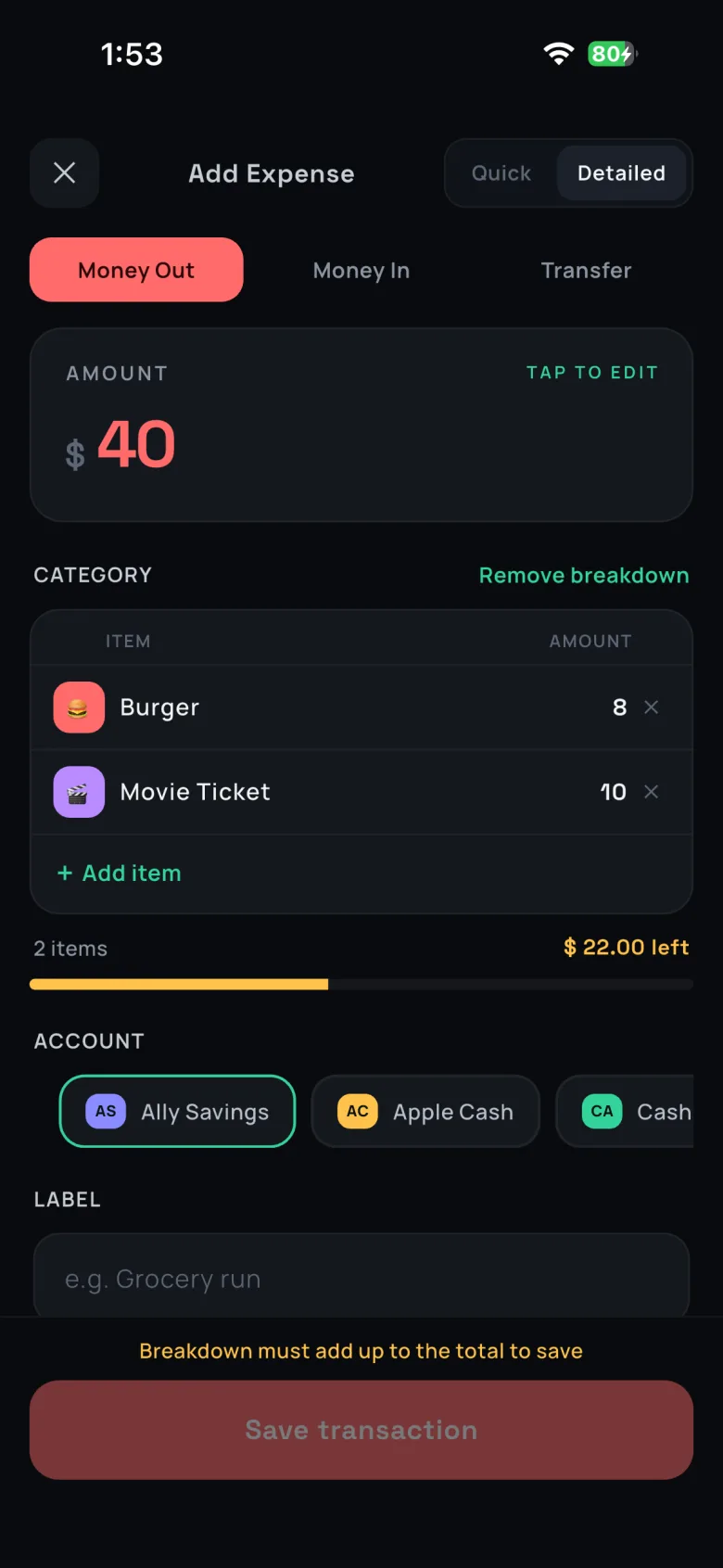
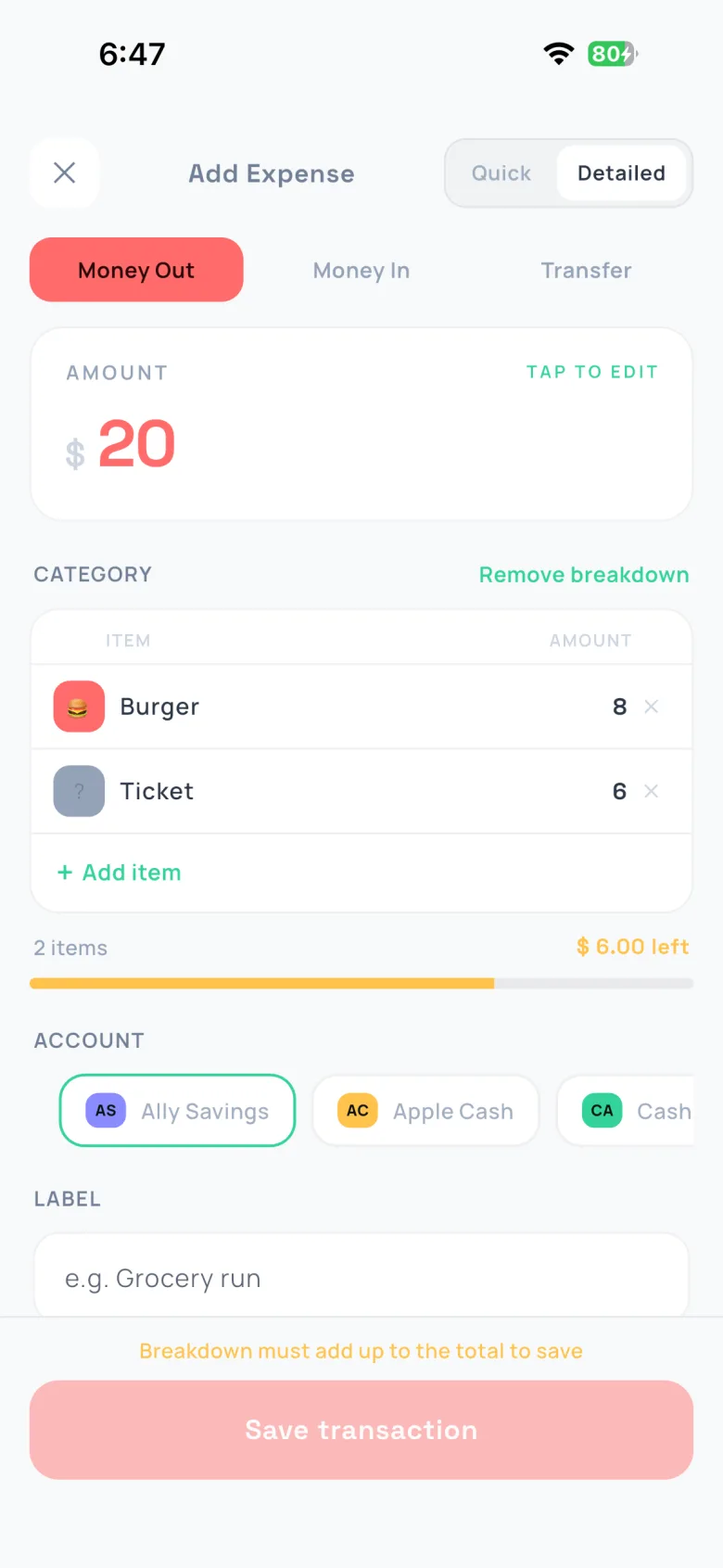
One receipt, every category
Split a shop across Food and Household and attach the receipt. It has to add up.
Bank, Wallet, Cash or Other — cash is first-class. Balances are computed from your transactions, never stored, so they can’t drift out of sync.
Three steps. No sign-up.
- 1
Add your accounts
A bank, a wallet, cash. Start with today’s balance.
- 2
Log as you spend
Ten seconds with the keypad, or one tap from your Home Screen.
- 3
Set your budget
Pick the day your month starts. Enso tells you what’s left and what changed.
Free is unlimited. Pro goes deeper.
Entry is never capped or counted. Every new install gets 14 days of Pro — no card, no sign-up.
Monthly
Annual
Best valueLifetime
Prices shown are US store prices; your App Store shows the price for your region. Subscriptions renew automatically and are managed in your Apple Account. Lifetime is a one-time purchase, not a subscription.
Payday reset, rollover, pace and safe-to-spend are Pro features.Pro
Questions, answered straight.
Why do I have to enter transactions myself?
Thirty seconds a day is the point — it’s the noticing that changes spending. It’s also why Enso works with cash, which bank-linked apps can’t see.
Is my data really private?
There’s no account and no server. Nothing to breach, because nothing is sent. You can also lock Enso with a PIN, Face ID or Touch ID.
Do I have to pay?
No. Free is unlimited transactions, forever, with no ads. Pro adds depth: more accounts and budgets, payday cycles, pace, and longer insights.
I don’t want another subscription.
Then don’t. Lifetime is a single payment, once.
What happens when the 14 days end?
You move to Free. Nothing is deleted or hidden — everything you created stays visible, editable and exportable.
Does it work in my country?
Yes. There’s no bank integration to be unavailable where you live, and you can pick any currency.
Can I get my data out?
Yes. Export to CSV any time. Your data is never held hostage.
Your money. Your phone. Nobody else’s.
Download Enso now. It’s free forever, with no ads and 14 days of Pro to try it properly.


Questions? support@lumicrafte.com